
TrackBin
One plan
- Assets
- unlimited
- Users and drivers
- unlimited
- Customers and dispatches
- unlimited
- Map, routes, documents and alerts
- included
- Loading your Excel file
- free
Total per month$89
Or $890/year. 14 days free, no card.
There is a version for Español With the whole site in that language.
There is a version for Español (México) With prices in MXN and sign-up for that market.
There is a version for Español (Argentina) With prices in ARS and sign-up for that market.
There is a version for Español (Colombia) With prices in COP and sign-up for that market.
There is a version for Español (Chile) With prices in CLP and sign-up for that market.
There is a version for Português (Brasil) With prices in BRL and sign-up for that market.
The customer's insurance in view, the contract generated and the photos of how it left. And if it is not back on time, you know how much is at stake.
$89/month, everything unlimited. No card needed to try it.
The insurance also shows on the dispatch, and you get an email 30, 15 and 7 days before it expires.

A day of a machine stuck on another site shows up in money, not in a hunch.

We only show what each one publishes on its website, with a date and a source.
Source: Booqable's official website, checked on October 31, 2026.
Full comparison: TrackBin vs BooqableTrackBin
Or $890/year. 14 days free, no card.
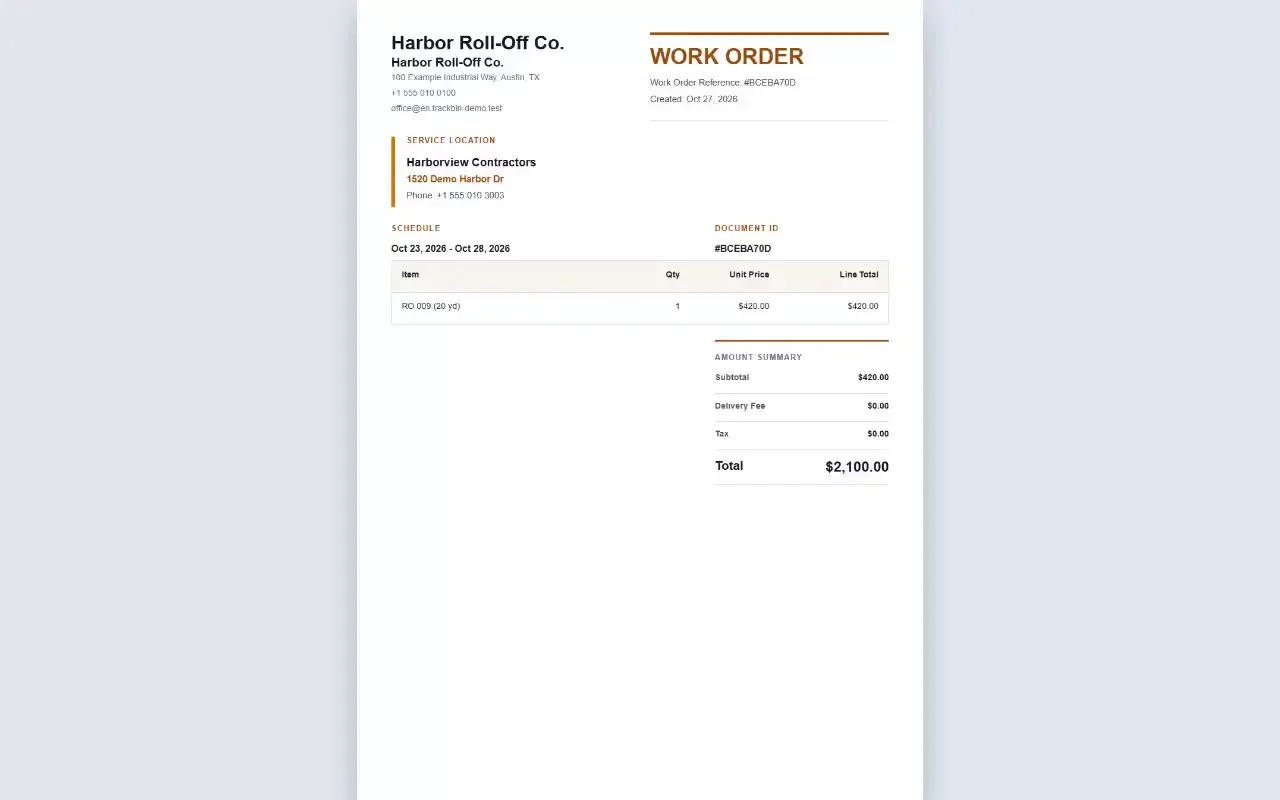
Quote, work order, rental agreement and invoice as PDFs, in English, Spanish or Portuguese, with your logo, your terms, your taxes and your delivery fee.
You enter the expiry date on the customer's record. TrackBin shows whether it is current, expiring or expired, warns you on the dispatch and emails you 30, 15 and 7 days before it expires.
Yes. Every machine has its own price per hour or per day, and the dispatch works out the expected revenue from its dates and times.
No call center, no bots. When you write, the person who builds TrackBin answers, usually within one business day.
admin@trackbinapp.com